*DAY 4* (late update again :heavysob: )
• i kind of gave up / discountinued my poker chip sorter project, cos i thought i had better things to do like my CeleryPico devboard.
• worked on CeleryPico, an RP2040 devboard with plenty of GPIO plus a microSD card slot. Unfortunately my KiCad work is on another (my mum's) laptop, so I cant commit rn :((, but will do tmr!
• upgraded my GL-inet router to the latest beta release (oxymoron, ikr)
*Day 3* (this is for yesterday since i did not have access to a device :\)*:*
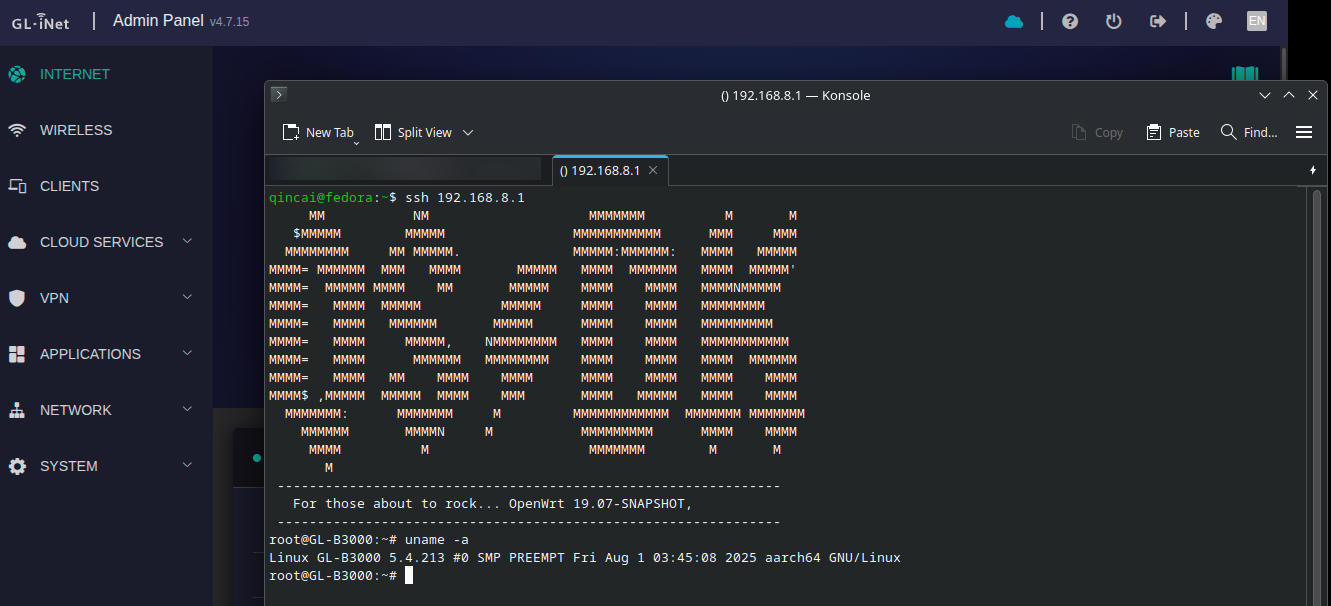
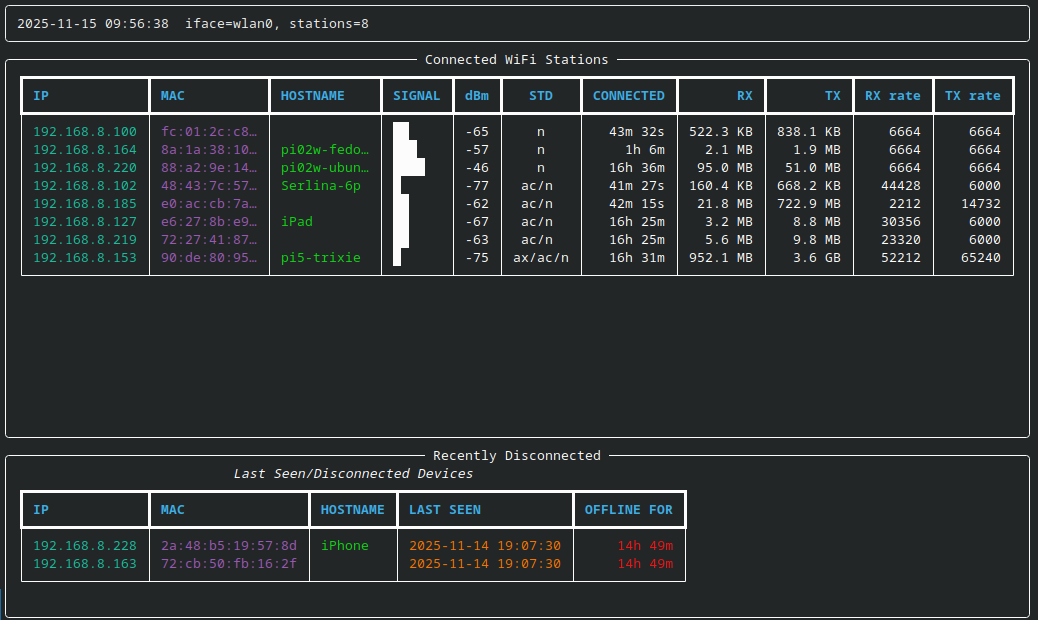
Fixed some bugs for my hostapd_utils project, and made it work on my gl-inet router via ssh
also worked more on 3d modeling for my poker chip sorter project, see screenshot for details!
*DAY 2:* (just noticed scrappy deleted my post...)
finished health exam. it was surprisingly easy
also started on my CeleryPico project and worked a bit on my hostapd_utils project
📚Day 1/50:
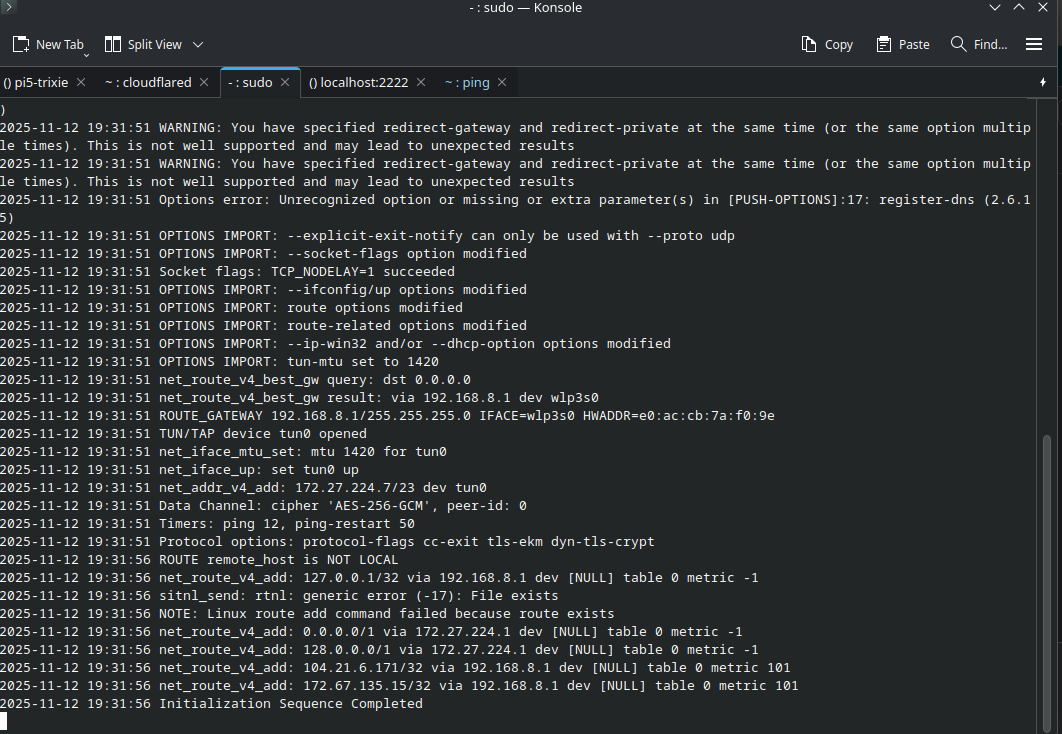
Finished goal #1, I think. I just hope China doesn't block Cloudflare, hmm...
aaand here is a speedtest result with my OpenVPN server on: www.speedtest.net/result/18465692167
Have you ever used SSH to connect to a remote server? Or somebody's personal portfolio? Or @zrl ’s <http://sshtron.zachlatta.com/
|SSH Tron>? (sorry zach for ping :pf: )
What if I told you that @DuckyBoi_XD(Braeden) and myself made...
✨ Poker Over SSH ✨
This is a *terminal-based game* played through SSH, where you connect to a server and play Poker with other people who are online. If no-one else is online, you get to play with AIs :openai:; just don't underestimate the AIs, they are quite... intelligent
But wait, there's more!
Sick of browser or desktop games? Want a retro experience? Just fire up your terminal, type ssh play.poker.qincai.xyz -p 23456, and play a hand of Texas Hold'em - no account or sign-ups needed, just SSH.
• Multiplayer: Play with friends or strangers, right in your terminal
• Bots: Outwit the AI if you're solo-ing
• No install: No client, just SSH
• Cross-platform: supports :windows-7:, :appleinc:, and of course our most beloved :linux:. (and other OS with the OpenSSH Client installed)
• Open Source (duh!): Hackable, <https://github.com/poker-ssh/PoS-Docker
|self-hostable>, and contributions welcome!
The code is open, the server is live (for now), and it’s all just a keystroke away (quite literally).
🚢 #C0M8PUPU6|ed!
GitHub Org:github.com/poker-sshWebsite & Guide (WIP): poker.qincai.xyz
⭐🎮🚢AHHHH ok i see. I FORGOT TO REMOVE THE SYSTEMD LINE FROM THE DOCKER FILE.... so it's still install systemd and dbus, which are not even used atm
🚌Nice. The Docker Image worked, but there's a teeny tiny problem here. THE IMAGE IS TOO BIG (imo). Maybe I should switch away from using virtual envs...
A screenshot of me 'baking' the Docker Image!
Currently working on a non-systemd enabled Fedora 42 CoreOS container image with RPi Web Shell built-in! Not gonna bake and export the image because last time it crashed my entire Pi (it's a Pi 5 with 8g of RAM, but apparently the uSD cannot endure it...). However, i will put the completed Dockerfile on the repo! THATS WHY I NEED SSD ASSESORIES!!! :pf:
Here's a not-so-good older image (Fedora 41)
Introducing RPi Web Shell: Web Terminal for Your Raspberry Pi (and other servers)!!
Do you find yourself constantly ssh-ing into your Raspberry Pi for quick tasks? 🔧 Tired of setting up keys and dealing with network configurations just to check system status or run a quick command? Do you find ssh too unstable? Say hello to ✨RPi Web Shell!✨
RPi Web Shell gives you secure terminal access to your server directly from your browser - anywhere, anytime (as long as it is reachable from the wider internet; I use cloudflared) 🌐 Now you can manage your servers without the using traditional SSH connections!!! :))
you can:
• Create multiple terminal sessions in a tabbed interface
• Rename, duplicate, and organise your terminal tabs with right-click actions
• Run commands simultaneously across different sessions
• All secured with your API key 🔐so only you have access
• More stable than ssh! The client attempts to resend dropped commands (you can see a message in Console if you have them) and reconnect to the server when the connection is lost
• and so much more!
_Full disclosure: this project is created with assistance from GitHub Copilot._ Idea from @neoroll (originally for my other project, <http://github.com/qincai-rui/rpi-metrics|RPi Metrics>)
GitHub: github.com/QinCai-rui/rpi-web-shell
🎮Hi again! I made some minor improvements to my last Python game, Word Guesser in the 2.x.x branch. This is NOT a new project but just to post updates.
GitHub repo: github.com/QinCai-rui/word-guesser/tree/main
Hi everyone!
I created a Python word-guessing game based on the curses module. This one is very different from the last one and it requires a terminal to run. Therefore (sadly), there is no demo available on my website or anywhere else. However, you are more than welcome to download the game and run it inside a terminal yourself (but remember to install Python 3 first!
REPO: github.com/QinCai-rui/word-guesser
This game is completely finished although a scoring system and timer can be added. Feel free to provide feedback at qincai.lovestoblog.com/feedback or just DM me!
🎮BIG milestone for my Python project, Guess the Word. It is highly playable, and I have fixed all the known bugs. You can play it at qincai.lovestoblog.com/guess-the-word. you can try this one if you have access to a terminal on your device.










 🎮
🎮 🚢
🚢